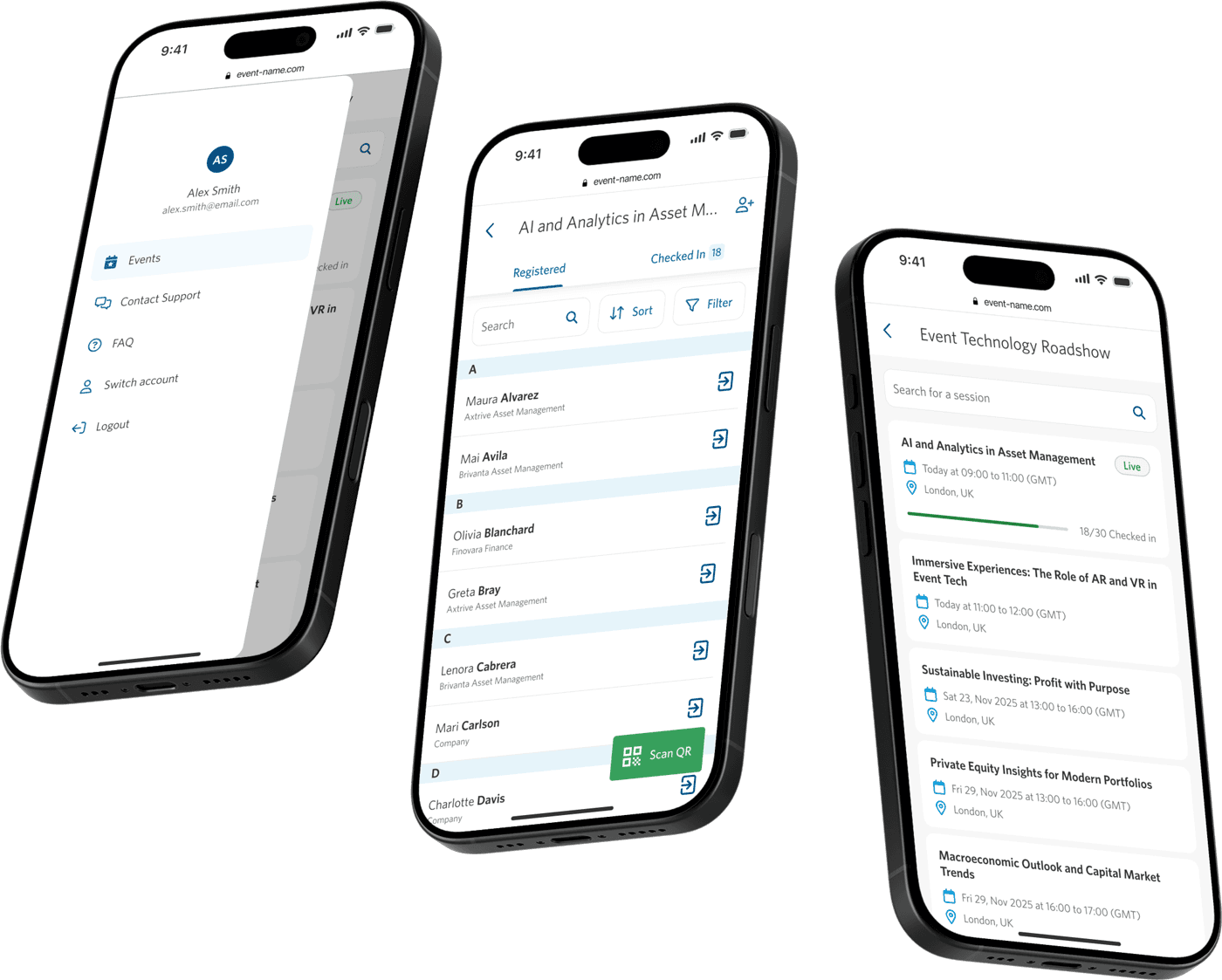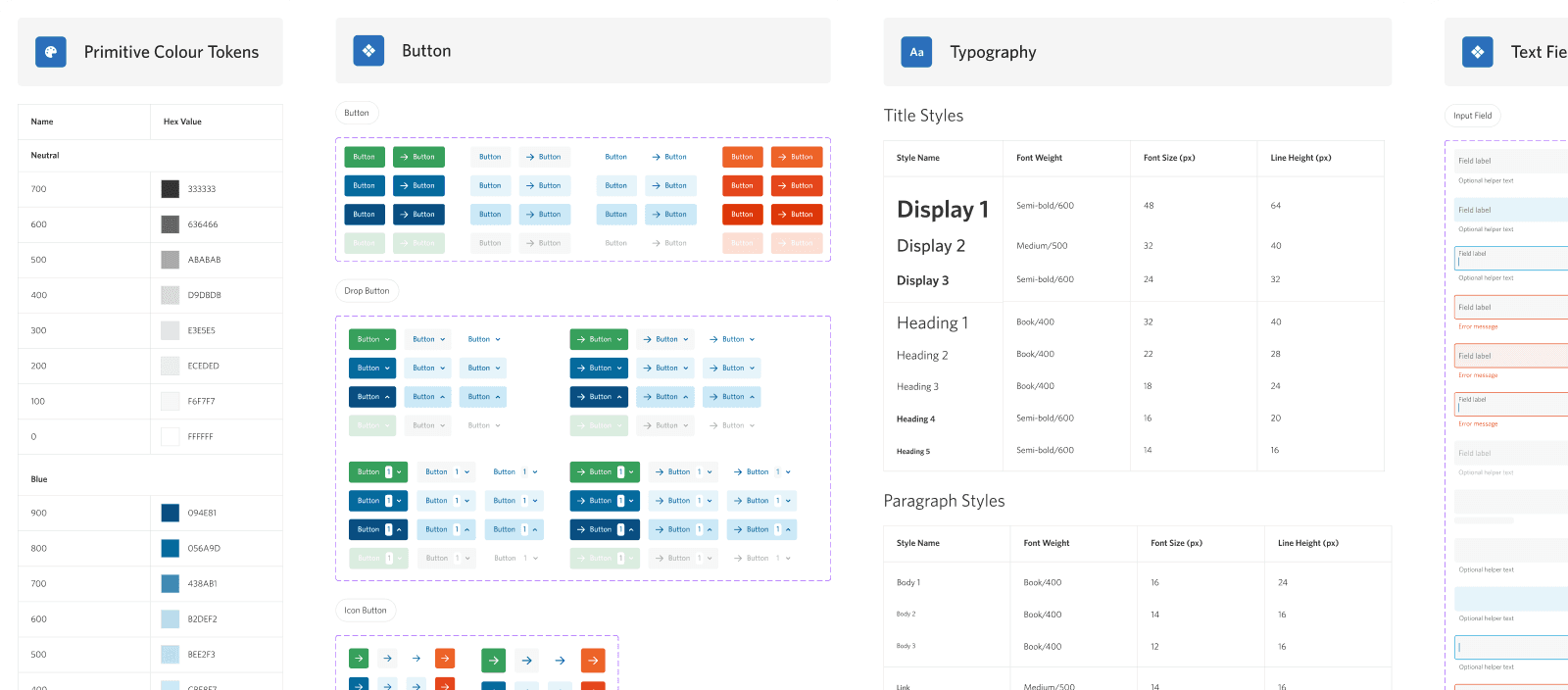
Project Overview
When I joined StoneShot, the existing UI was inconsistent, difficult to understand, had limited documentation, and no cross-team adoption. There was no single source of truth, so our dev team was creating new code for all new designs.
Challenges
Outdated UI Across the Platform
The product had lots of UI inconsistencies and bad UX practices, which was causing frustration for our users.
No Single Source of Truth
Our dev team was building bespoke components for each new feature which was time consuming to build and review.
Inconsistent Implementation
There were hundreds of instances of "one-off" components, which meant the UI did not feel consistent.
No Room to Scale
The platform could not grow new features quickly because it was too time consuming to design and build.
Opportunities
Increase Output Consistency
Act as a single source of truth for design and dev teams; helping to align on functionality and structure.
Improve Long-term Scalability
Speed-up the production process with reusable, standardised components.
Elevate the UI & UX
Create a unified user experience across the platform, and reduce costly and time consuming rework.
Consistent Visual Language
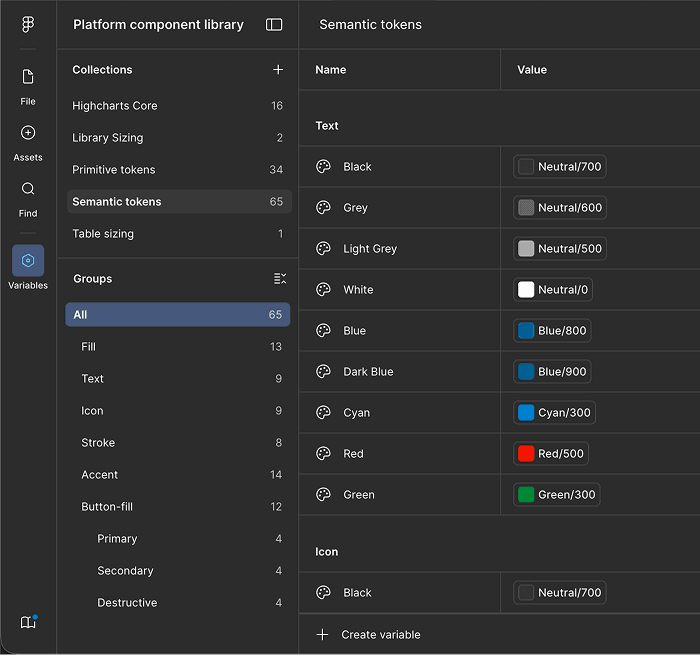
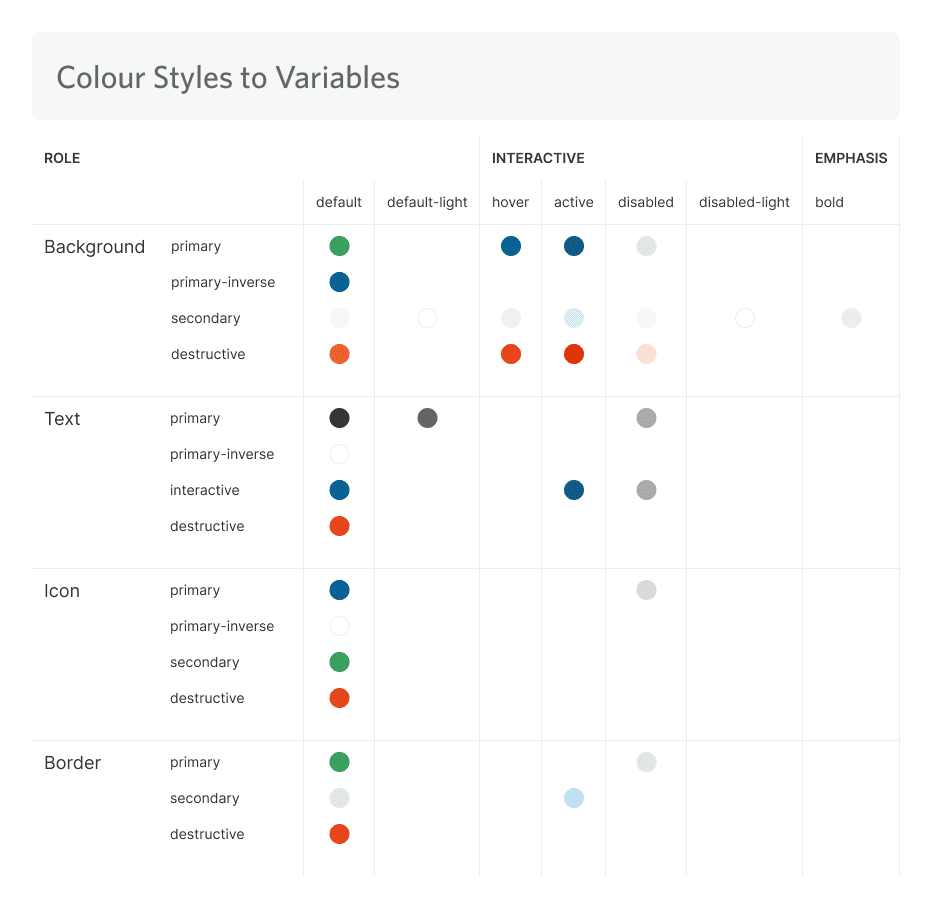
Variables were established to connect basic values such as colour and space to specific usages like background fills, or hover states.
This allowed us to build visually consistent UI and patterns.
Components Properties
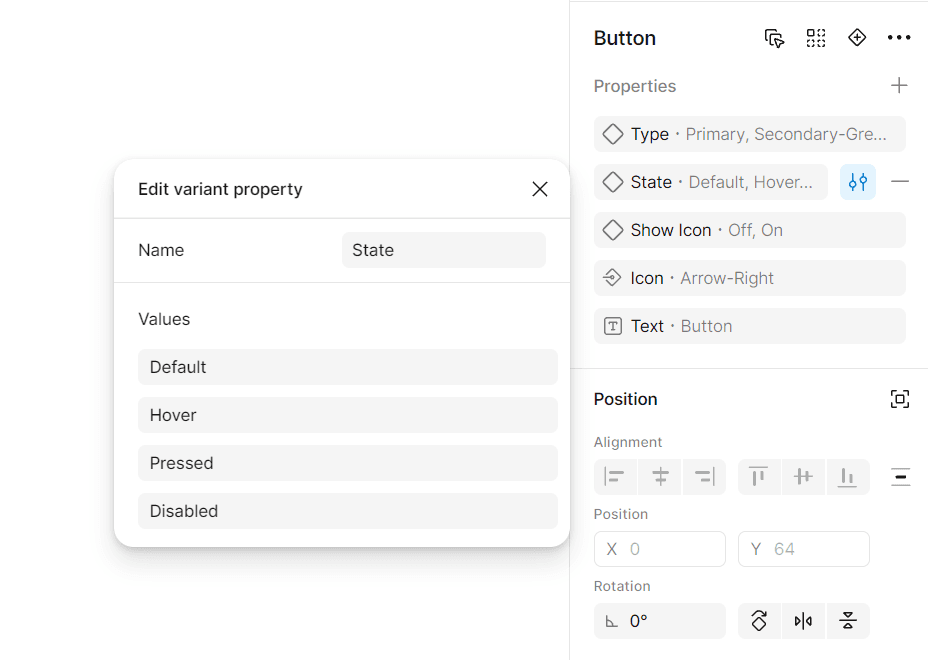
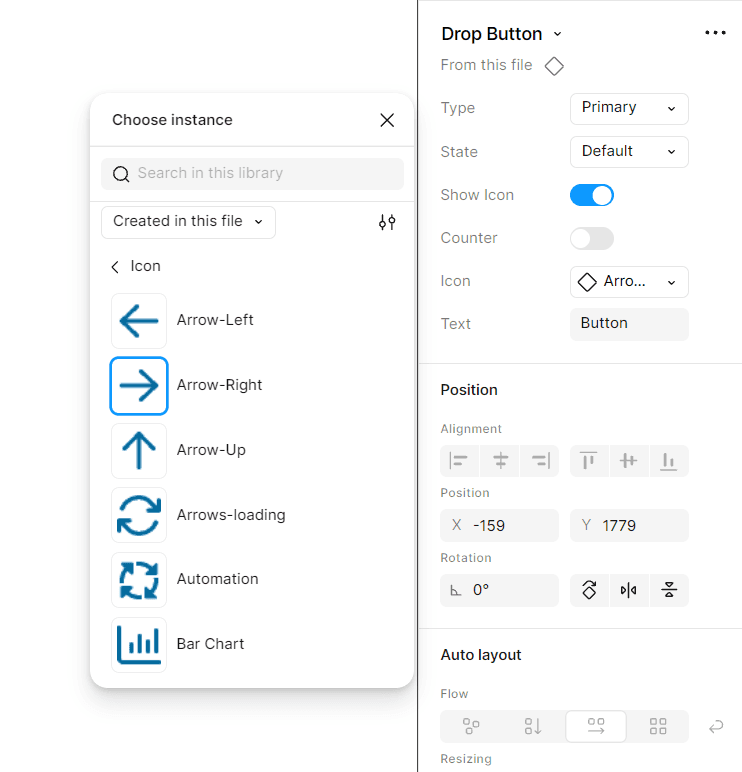
Component based properties allowed us to build a wide range of interaction states.
This allowed us to create realistic wireframes and prototypes for a wide range of use cases.
A Non-Disruptive Update
We could not build a whole new library from scratch, as users were accustomed to many aspects. Instead, we compromised by keeping certain elements, and built a modernised library around them.
A modernised UI style helped to limit disruption for existing users when modernising the platform.
Clarity & Speed
Components were configured to be intuitive, lean, and part of a unified system.
These settings helped to provide predictability, and allowed us to create high quality designs faster.
Long-Term Scalability
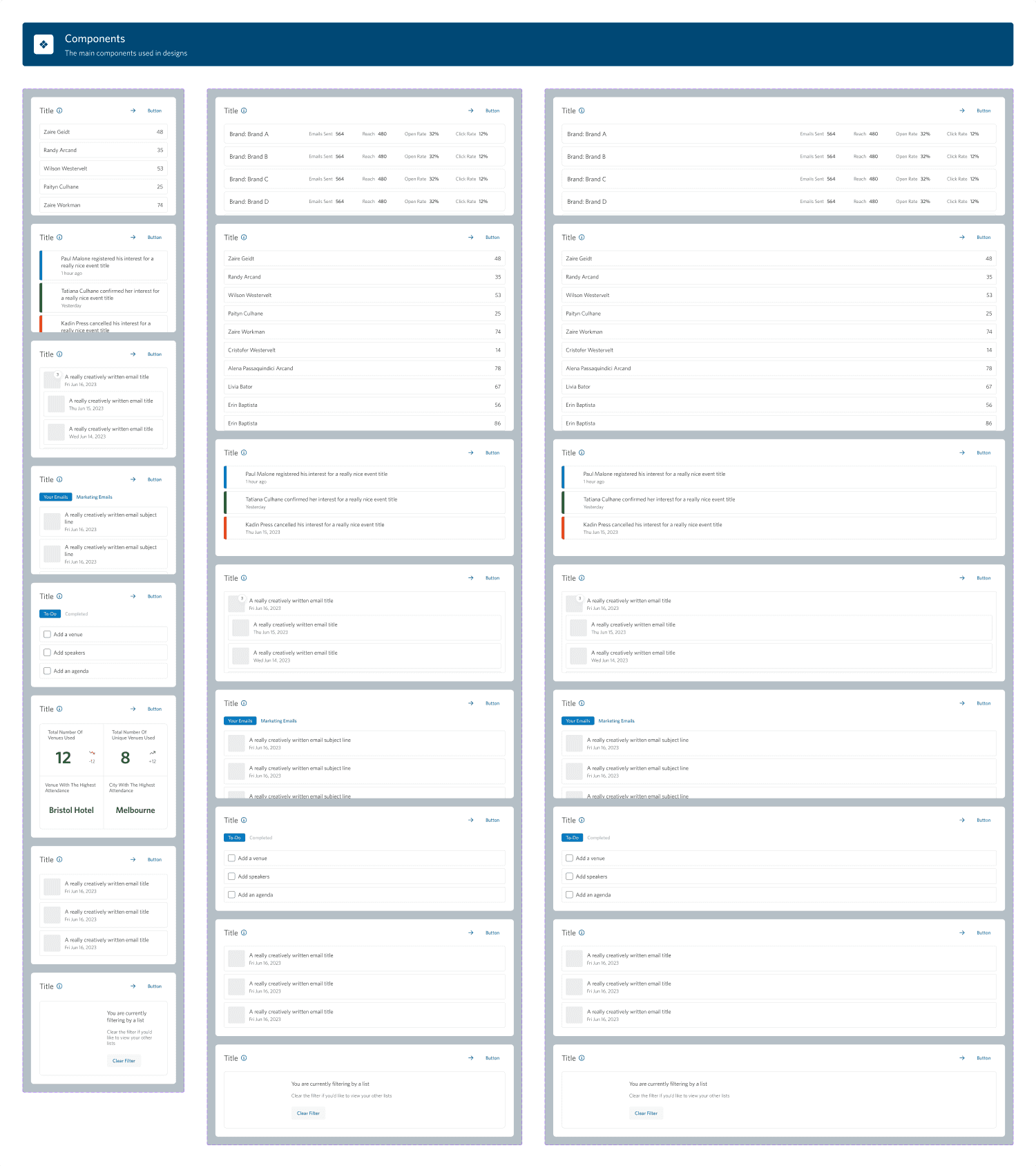
Simple components like buttons were nested within more complex components such as modals.
This helped the UI library to scale, built familiar patterns for users, and saved us hours of time tweaking small values.
Code-Based Version
We worked with the development team to build a code based version of the UI library, which matched both visually and for interactions.
This significantly impacted the visual consistency of newly developed features, and meant less time was spent manually coding new UI.

Figma UI Library

Code-Based UI Library
Impact & Outcomes
~30% Faster Design Team Output
Faster design output due to the introduction of predefined, reusable components. We could produce fidelity designs and prototypes more quickly; meaning we could ship more features in the same amount of time.
100% Adoption Of Code Base Library
We collaborated with our dev team to build a code based version of our UI library. This improved alignment between teams, resulting in more accurate outputs.
~50% Time Saved Reviewing Coded Designs
Pre-approved components meant more consistent output, and fewer change requests.
Improved User Satisfaction
Users reported that their experience using the platform had improved significantly since changes were made.
Increase Scalability of Platform UI
The new UI library has enabled us to grow a wider range of components more quickly, whilst remaining cohesive.
Component Deep Dive: Navigation
Here is a closer look at the process of updating one of the more complex components. The navigation is used on every screen, has more states than most components, and needed to work for both new and existing users.
Audit and Research
I audited our existing navigation as well as other platform navigations - particularly complex, data-heavy dashboards similar to ours. This helped me understand common patterns for collapsed and expanded states, and where our existing navigation fell short by comparison.

Defining Requirements
Support a Growing Platform
Hold every current navigation option, with room to add more as the platform grows.
Clarity in a Compact Space
Allow users to clearly see their position, balancing compactness with clarity across every state.
Intuitive for Existing Users
Update unclear groupings and inconsistent behaviour with a clearer, more predictable structure.
Ideation and Exploration
I sketched out a few directions for how the navigation could collapse and expand, focusing on how a narrow, icon-only state could still pop out into a full label view. Testing multiple options early let me weigh trade-offs in space, clarity and interaction cost before committing to one.

High-Fidelity Designs
Once a direction was agreed, I built out the navigation at high fidelity across every context it would appear in. I checked that the interactions held up whether a user was collapsing, expanding or hovering.

Building a Functioning Prototype
To test the usability of the navigation I connected the designs into a working prototype using Figma. This let users move between pages and states the way they would in the live product.

Testing & Validation of Prototype
I ran the prototype through Maze to see how users handled the new navigation in its expanded view. Participants completed the task with a 100% success rate and no drop-off, though the misclick rate flagged a few areas worth refining before build.

Communicating Functionality Through Documentation
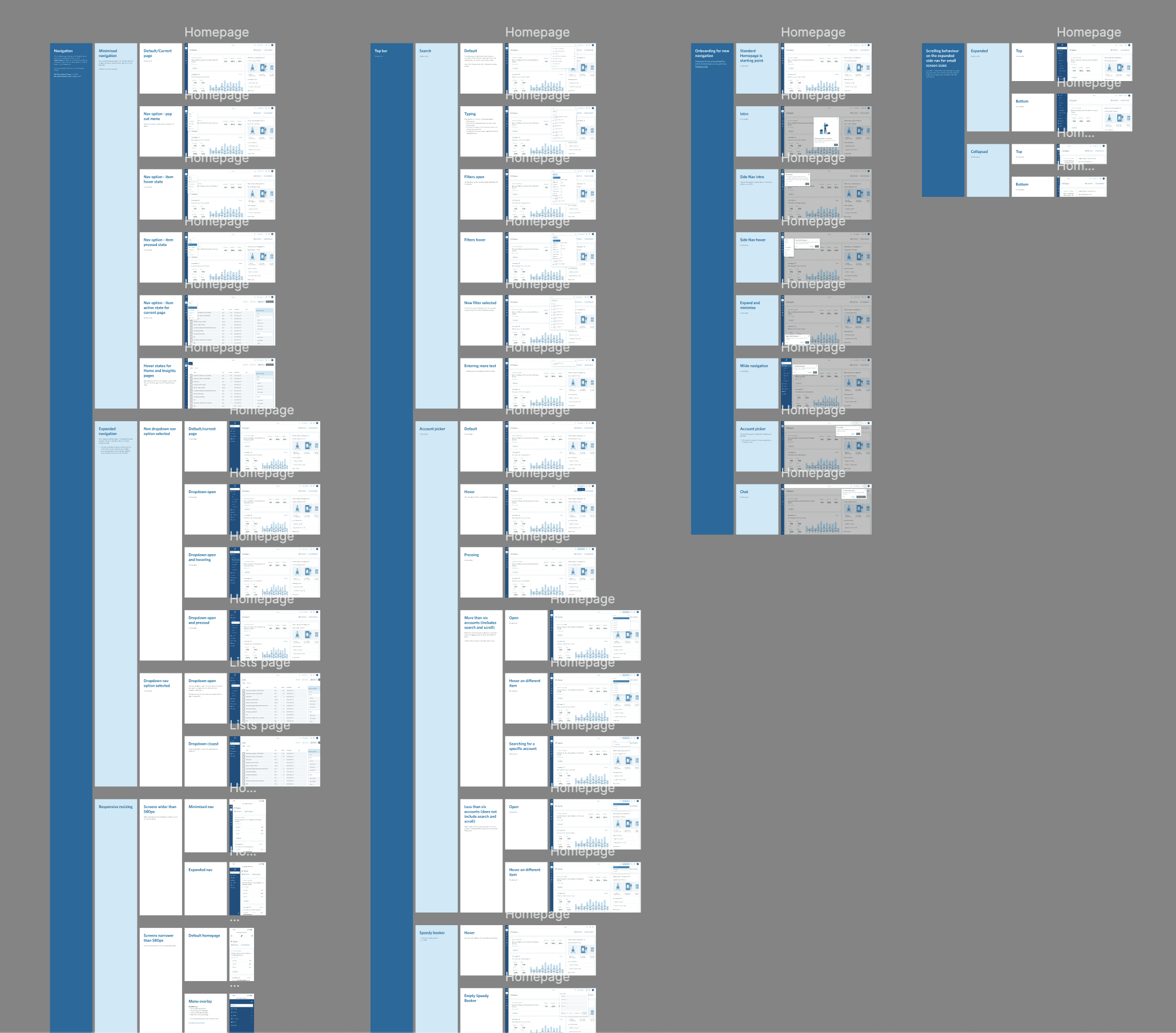
Given how many states the navigation could be in, I documented each one in detail, covering default, hover, expanded and nested interactions, so the dev team had a single source of truth to build from rather than needing to interpret intent from static screens.
Guiding Users Through the Update
Because this was a significant change to how people found their way around the platform, I designed a short in-product walkthrough to introduce it. It called out what had changed and how the new navigation worked, so existing users weren't left to figure it out on their own.

Developer Implementation QA
Once the navigation was built, I reviewed it against the designs page by page, leaving comments on screenshots of the live build where the implementation didn't match the spec.

User Feedback
“Recent updates have made the user experience much more straightforward and intuitive. The overall platform is perfect for our needs.”
- Verified User in Financial Services (via G2)
“An intuitive and user friendly platform”
- Verified User in Financial Services (via G2)