Project Overview
The aim of this project was to produce a event registration page template that financial marketing teams could customise for their events. It could then be used to invite key contacts to their upcoming events.
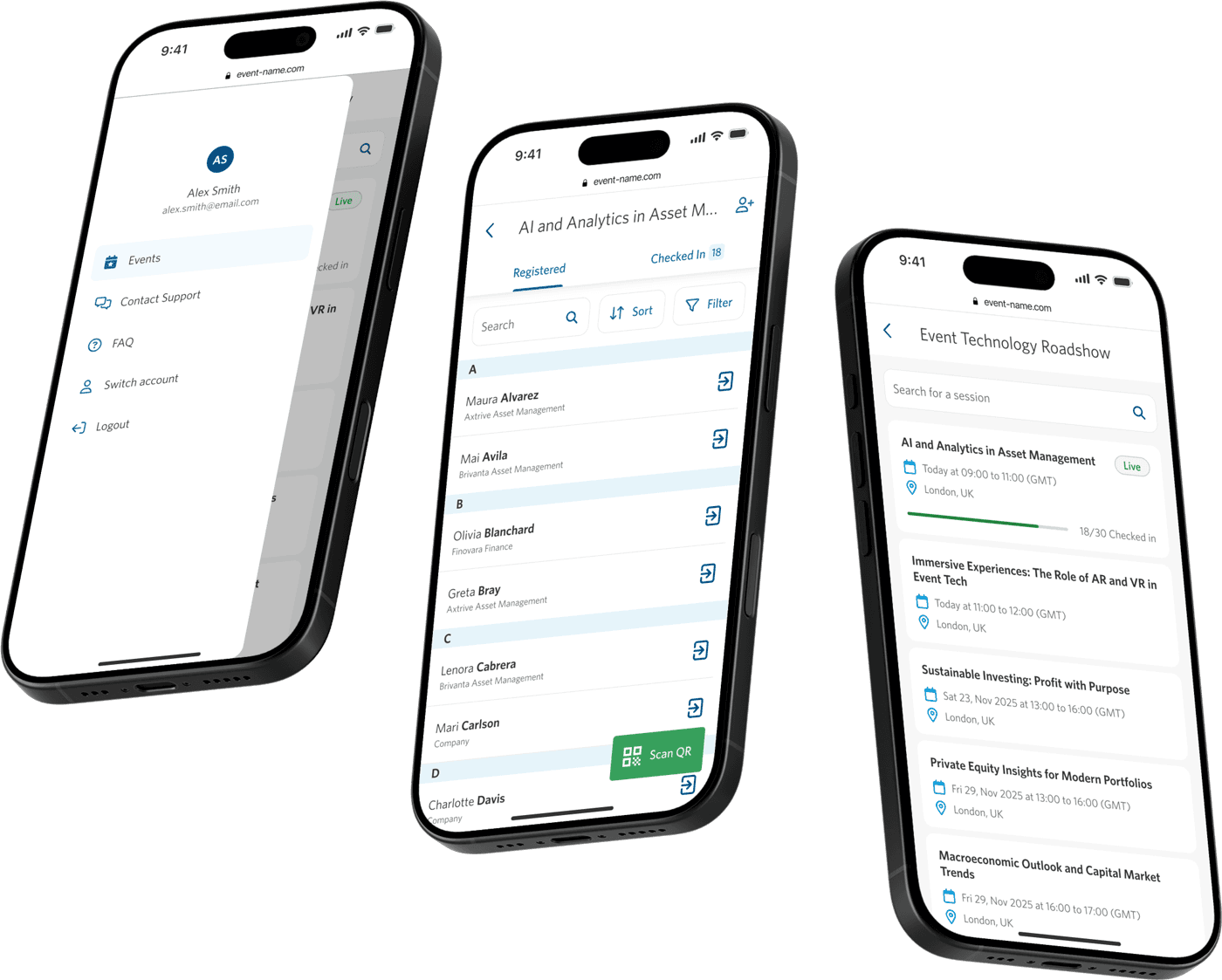
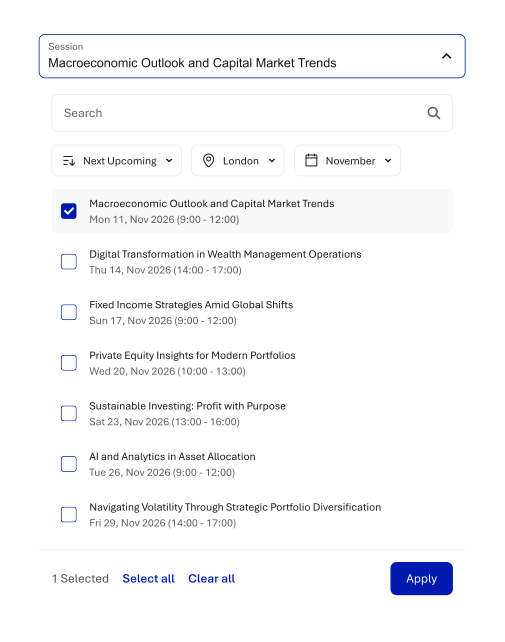
The page provides event details such as the overview, date and time, location, speakers, agenda, and imagery. It allows attendees to select their preferred event when multiple locations are offered.
Issues With the Existing Solution
Outdated User Experience
The existing solution was outdated, and did not successfully build trust, thereby reducing attendee sign-ups.
Unclear Communication
There was a lot of event information to convey to users, and the existing solution was hard to understand.
Limited Brand Customisation
Pages felt generic and misaligned with company branding, weakening credibility.
Opportunities
Increase Event Sign-Ups
Redesign the registration experience to communicate event details clearly and intuitively, reducing confusion and improving sign-up rates.
Build Trust Early
Enable deeper visual customisation so registration pages fully align with each company’s branding, creating a more professional and credible first impression.
Improve Communication
Create a more streamline and concise delivery of content, allowing guests to easily understand the event details.
Discovery & Research
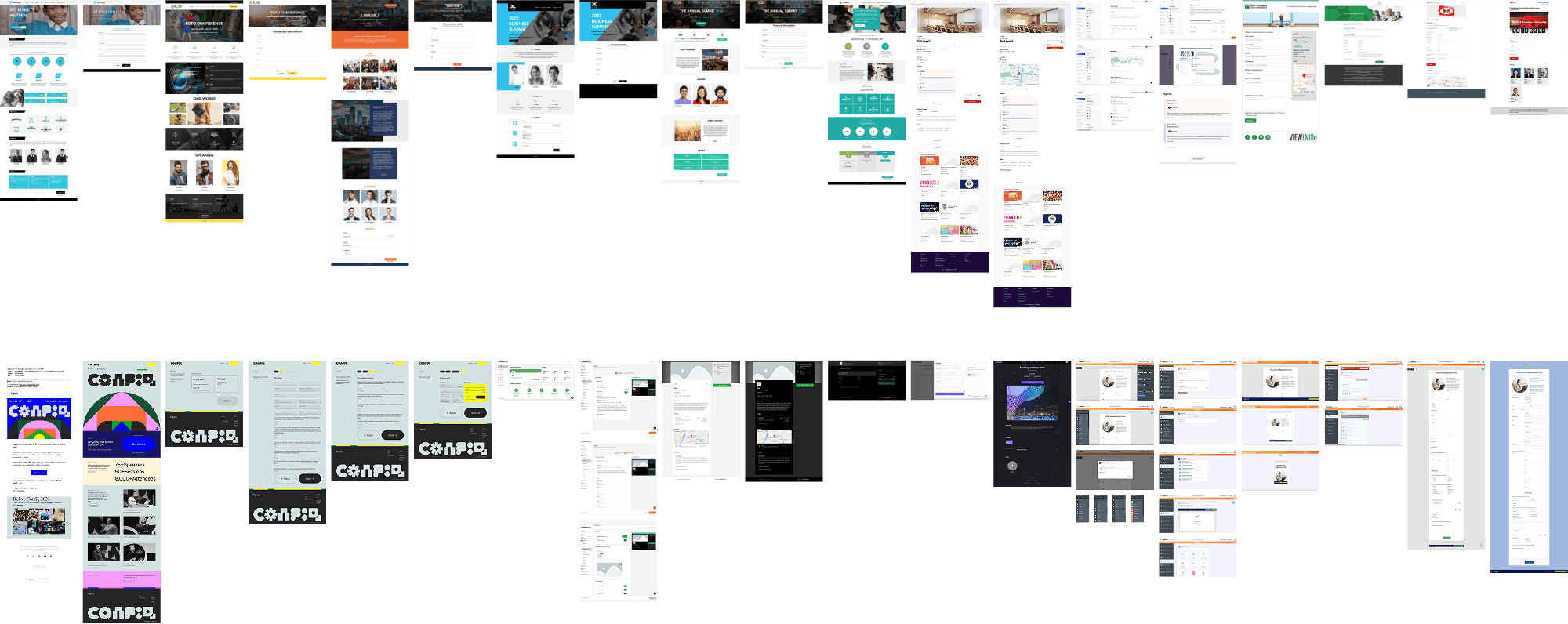
Researching in the early stage involved Internal sales team interviews to help guide which existing platform functionality users would expect to see. Competitor reserach ensured our feature offering was keeping up with competitors and identify differentiation opportunities.
Research Insights
Wire-framing
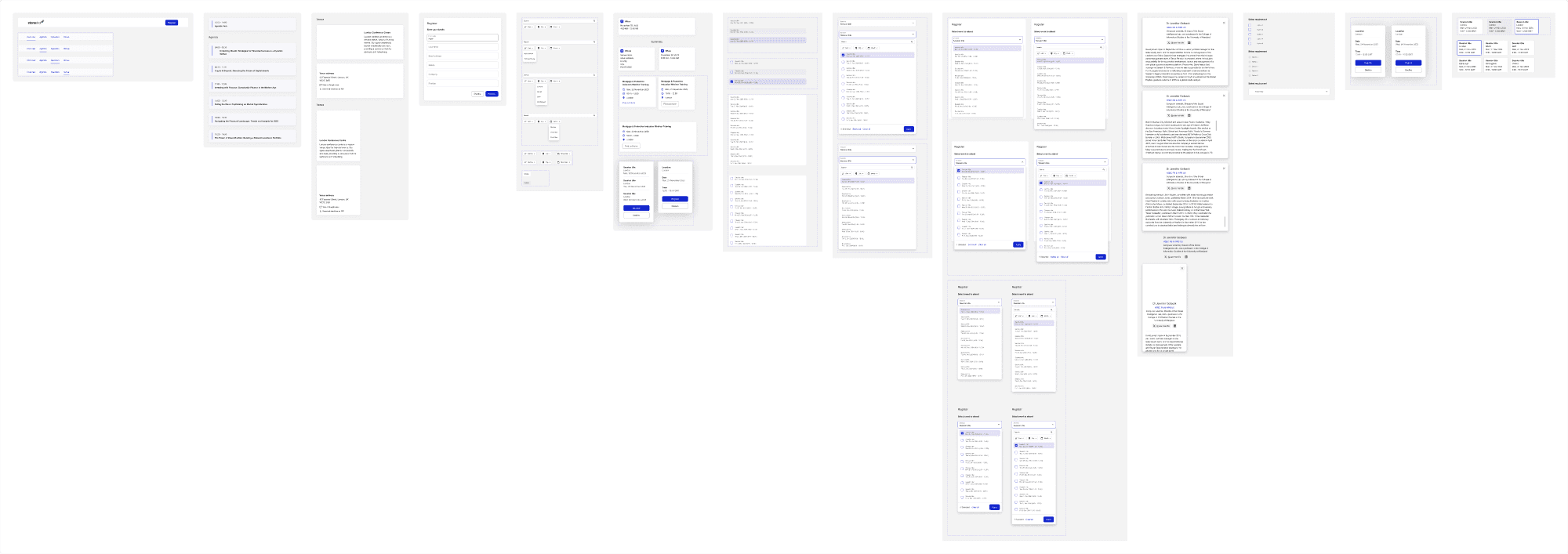
Wireframes were used to quickly explore how attendees would move through the registration experience and consume event information. They helped with structuring content, section ordering, and interaction flows.
Sketching and wire framing helped to guide design direction by resolving structural and usability questions early in the process.

Modular UI Library
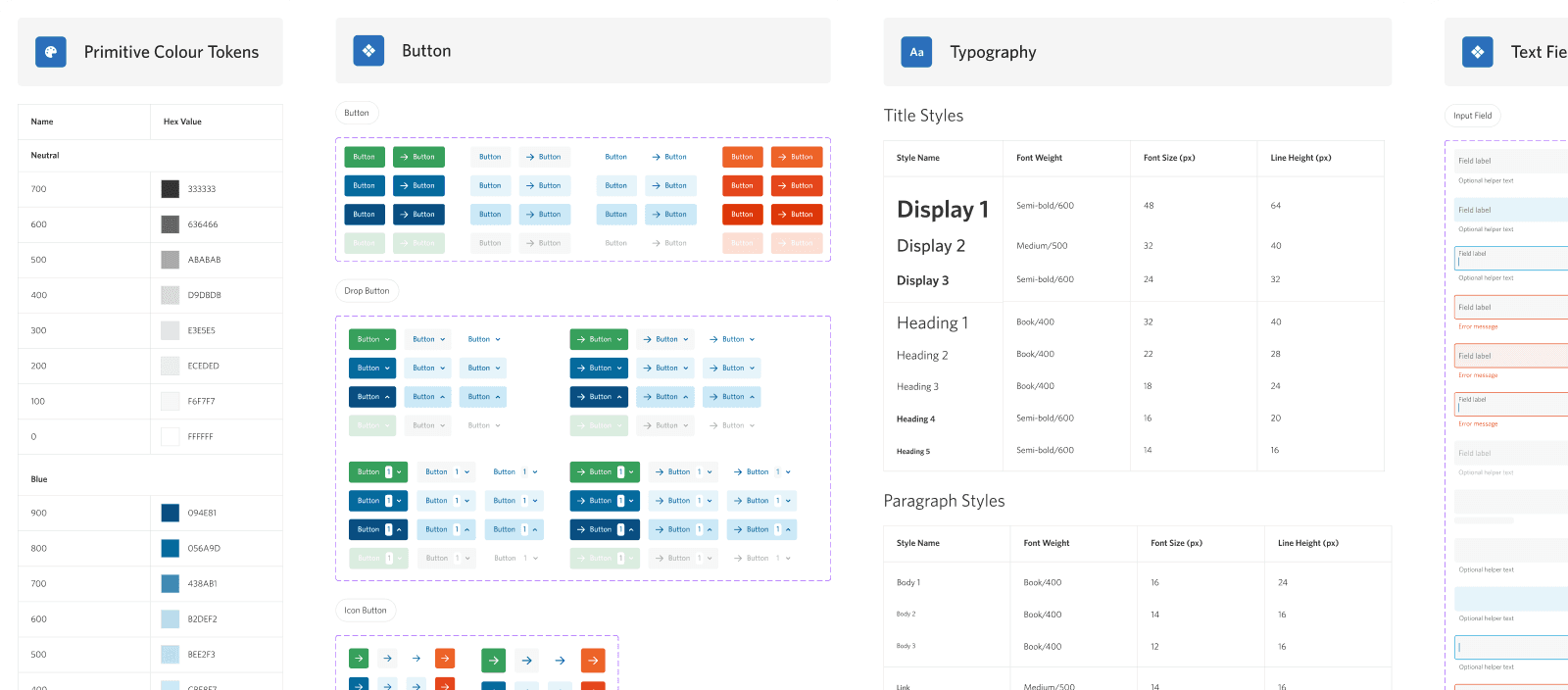
I created a modern, brand-agnostic UI library which would form the core structure of the template, and allow customers to customise elements to match their own brand.
Customisation options included colours, logos, typography, and imagery via the platform’s brand manager. This enabled each page to feel on-brand, familiar, and trustworthy.
Developer Implementation QA
Once the Registration Template page was built, I reviewed it against the designs page by page, leaving comments on screenshots of the live build where the implementation didn't match the spec.

Final Outcome
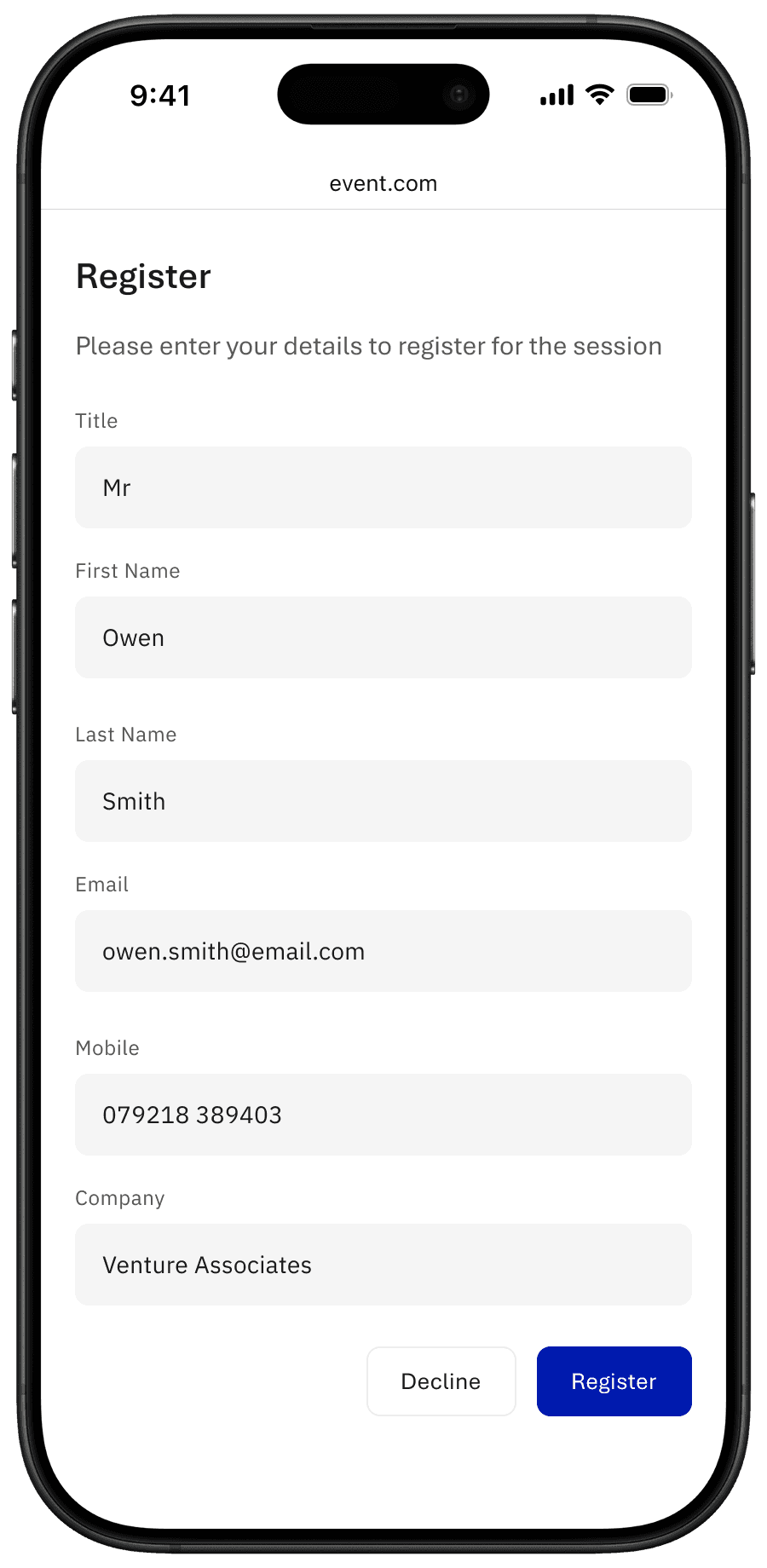
The result was a fully responsive registration template that marketing teams could brand and populate themselves, choosing which content blocks appeared and in what order, without needing design or dev support for every event.


Impact & Outcomes
Successful Event Sign-ups for Hundreds of Events
Optimised the registration experience to reduce drop-offs and boost attendance, driving greater lead engagement and revenue potential.
Strengthened Brand Trust at the First Touchpoint
Delivered deeper visual customisation, enabling fully on-brand registration pages that created a more professional and credible first impression.
Improved Event Conversion Rates
Redesigned the registration journey to clearly and intuitively communicate event details, reducing confusion and increasing sign-ups.
User Feedback
“Recent updates have made the user experience much more straightforward and intuitive. The overall platform is perfect for our needs.” — Verified User in Financial Services (via G2)
“An intuitive and user friendly platform” — Verified User in Financial Services (via G2)